The TIFF vs PNG question looks like a contest between formats. It is not. TIFF is the format scanners and print workflows produce, and PNG is the format browsers and chat apps accept. PNG is lossless and TIFF is too unless it stores a JPEG, so “which is better quality?” has no answer. The real question is where the file has to go next.
A format is a container for a delivery route, and the two routes do not overlap. We built a Chrome extension that converts between the two formats, which is why this comparison can use measured file sizes rather than estimates.
Quick answer
PNG is lossless and TIFF is too unless it stores a JPEG-compressed image, so neither is inherently better quality. TIFF carries what print and scanning need - CMYK, 16-bit samples, multiple pages, layers. PNG carries what the web needs - universal browser support, alpha transparency, one image per file. Keep TIFF as the master and convert to PNG for anything that will be opened on a screen.
The rest of this comparison stays with that distinction. Where the two formats overlap, it says so. One common claim gets corrected along the way. Advice that sets an uncompressed TIFF beside a PNG draws a conclusion about the formats from one file’s compression setting.
The short version
Ten properties separate the two formats, and the table sets them side by side.
| Property | TIFF | PNG |
|---|---|---|
| Designed for | Scanning, print, archival | Display, web, interchange |
| Compression | None, LZW, Deflate, PackBits, CCITT, JPEG | Deflate with row filters |
| Lossless | Yes, except JPEG-compressed TIFFs | Always |
| Colour modes | Greyscale, RGB, CMYK, palette, Lab | Greyscale, RGB, palette, RGBA |
| Bit depth | 1 to 16 bits per channel, plus float | 1 to 16 bits per channel |
| Transparency | Alpha channel, inconsistently supported | Alpha channel, part of the format |
| Multiple pages | Yes, in one file | No, one image per file |
| Editing layers | Yes, some TIFF variants | No |
| Browser support | Safari natively; Chrome, Edge and Firefox do not decode it | Universal |
| Typical size | Largest uncompressed | Small; smaller than an uncompressed TIFF |
Two rows carry most of the practical weight. Browser support decides whether the file can be sent at all, and multiple pages decide whether it is one file or thirty. Everything else in the table matters only when the destination cares - a print shop cares about CMYK, a records system does not.
The three-letter .tif extension names the same format, so a TIF to PNG conversion is the same
operation as a TIFF to PNG one. We read either extension, and the result is the same PNG.
Where the common comparison goes wrong
Three corrections cover the claims that mislead readers about these formats.
“TIFF is always huge.” Uncompressed TIFF is large, and an uncompressed file is where the reputation came from. But TIFF permits compression, including Deflate, which is the same algorithm family PNG uses. A Deflate-compressed TIFF and the PNG made from it can land close together; one measured pair went from 414 KB to 347 KB, a change of about a sixth. The format is not the size. The setting is.
“PNG is always smaller.” A PNG is smaller than an uncompressed TIFF in our tests, because it filters rows before compressing and writes only the channels the image uses. But if the TIFF was compressed with JPEG, the PNG has to store what JPEG threw away. One measured file grew by 107% in the conversion. That is not a PNG defect; it is the cost of becoming lossless. The measurements below list the files.
“Both are lossless, so the conversion is just a rename.” It is not, in three cases. A JPEG-compressed TIFF is already lossy, a 16-bit TIFF loses its lower eight bits when written as an 8-bit PNG, and CMYK has no representation in PNG at all. Those are the cases where the choice between formats changes the picture rather than the container.
TIFF vs PNG file size: what each format’s compression does
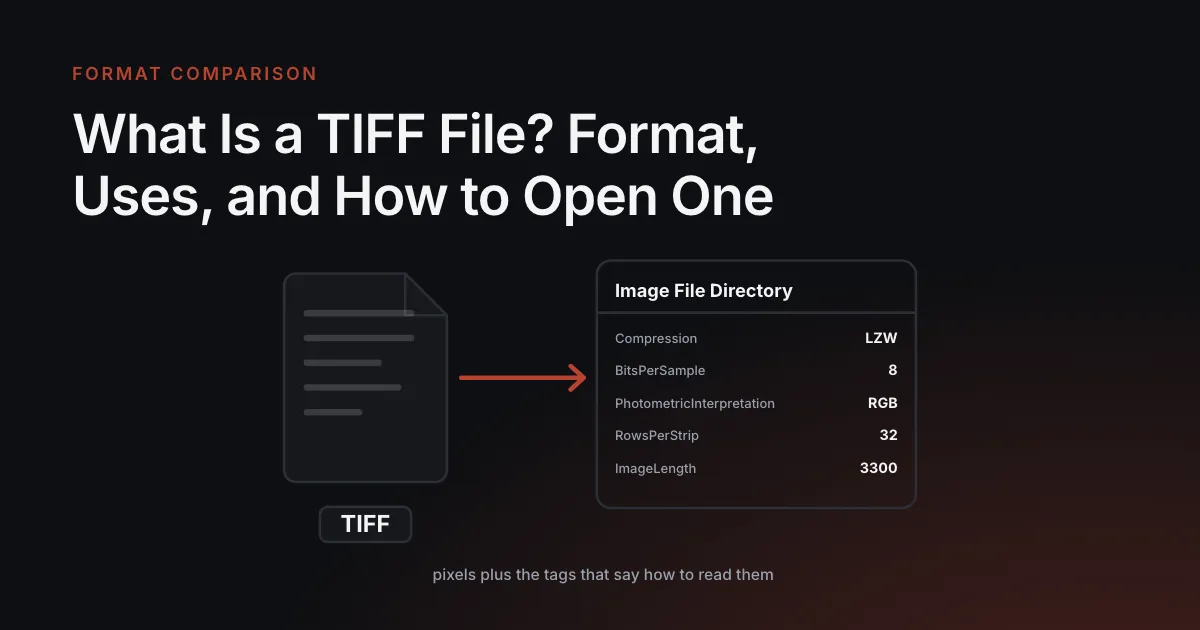
TIFF is a tagged container, and the tag that says how the data is packed can name any of several schemes. The 6.0 specification defines no compression, PackBits, LZW, CCITT Group 3 and Group 4 for bilevel images, and JPEG (TIFF 6.0 specification); Deflate arrived later as a widely supported extension. A scanner picks one of these, and the tag travels with the file.
PNG has one compression method - Deflate - and gets its savings from preprocessing instead. Before compression, each row is filtered against the row above and the encoder chooses the filter that leaves the smallest residual (W3C PNG specification). For a scanned page, whose rows are nearly identical, that prediction is very effective, which is why a document PNG can be smaller than the uncompressed TIFF it came from.
This also explains where each format fails to shrink. TIFF’s CCITT schemes were designed for fax - black and white, one bit per pixel - and a bilevel scan is exactly the content they were designed for. A colour photograph may compress equally well in either. There is no universal winner, only a compression scheme matched or mismatched to the content.
Our conversion tests
The size figures in this article come from one run over four files. Each is a sample from our repository. Each file is converted with the same encoder we ship: a PNG writer that picks the smallest colour type and a filter per row, followed by lossless oxipng recompression. No resizing, no colour change. Sizes are bytes on disk for the TIFF and for the PNG written to disk.
| Source TIFF | Compression | Size | PNG | Change |
|---|---|---|---|---|
| 1920x1280 photograph, RGB | None | 7,373,064 B | 4,292,388 B | -41.8% |
| 512x512 image, RGB | None | 815,556 B | 346,731 B | -57.5% |
| 512x512 image, RGB | Deflate | 414,416 B | 346,731 B | -16.3% |
| 512x512 image, RGB | JPEG | 135,220 B | 280,189 B | +107% |

The second and third rows are the same pixels stored two ways, and they produce the same 346,731-byte PNG. The PNG size follows the pixels, and the TIFF size follows the compression setting. The fourth row is the same picture again, which is why it is larger as a PNG. The JPEG step already removed detail, and a lossless PNG stores the result in full.
These are four files, not a benchmark. Content with long runs of flat colour, such as a screenshot, shrinks further; a noisy photograph shrinks less.
Colour, bit depth and transparency
PNG’s colour modes are a finite list: greyscale, truecolour RGB, indexed palette, and the alpha variants of those. That list is why PNG travels so well - every decoder knows exactly what it may be handed. It is also why CMYK is impossible: the format has nowhere to put a fourth ink channel (W3C PNG specification).
TIFF’s list is open. It carries CMYK for print, Lab for colour-managed workflows, palette images, and greyscale from 1 to 16 bits. Some TIFF variants carry multiple images as pages or as layers. That extensibility is the format’s strength and its weakness: a decoder can meet a TIFF it does not understand, which is exactly what happens when a browser meets one.
Alpha is the one place where PNG is unambiguously the better tool. Transparency is part of the base format, is preserved exactly, and composites correctly in browsers. TIFF can hold an alpha channel, but support for it varies between programs. A TIFF with transparency may look different in two applications on the same machine.
Bit depth is the subtler difference. TIFF can store 16 bits per channel, and PNG can too, but the PNG we write is 8-bit. A 16-bit TIFF converts, with each sample keeping its top eight bits - fine for a document, a real loss for a photographic or scientific master. For those files, TIFF is not just the better container; it is the only one that keeps what the file is for.
Multiple pages are a TIFF feature
A TIFF can hold several images in one file: a fax of ten pages, a scanned contract, a multi-page document from an archive. The format has an explicit way to chain images, and a reader can walk from one page to the next inside the single file.
PNG has no equivalent. The specification defines a PNG datastream as one image, and there is no page
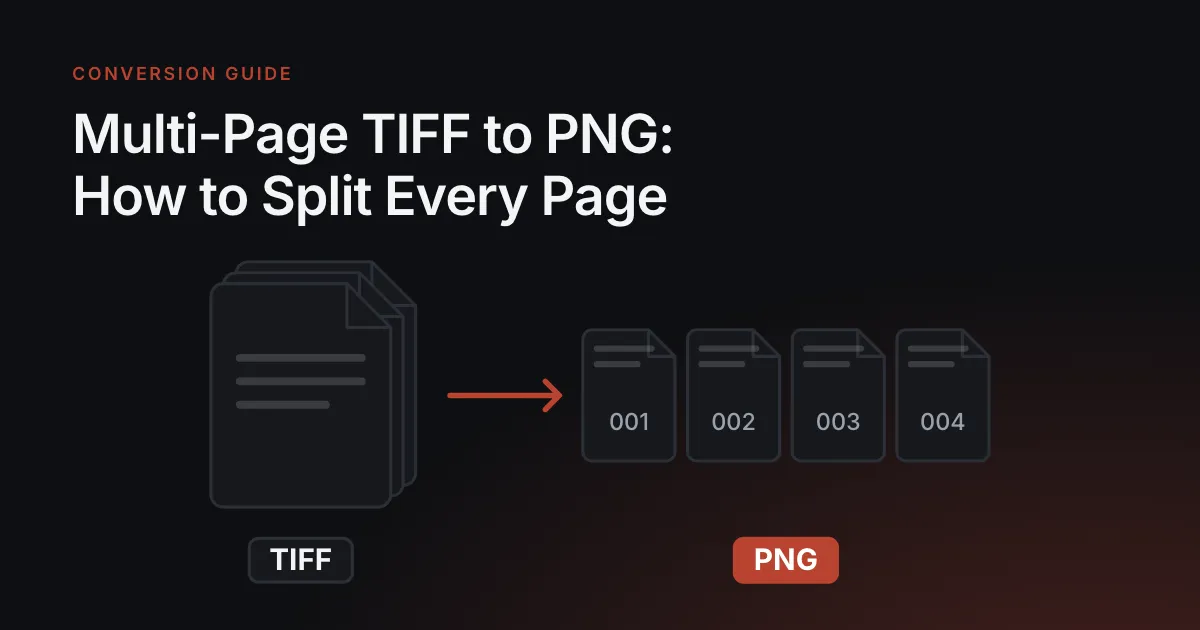
structure to extend. Converting a multi-page TIFF to PNG therefore produces one file per page. We
name them with a page number padded to at least three digits, so a 300-page fax becomes
scan-001.png through scan-300.png and sorts correctly in a file manager.
The practical consequence is that the conversion changes the shape of the data, not just its encoding. A 30-page TIFF is one attachment; thirty PNGs are thirty attachments, or one ZIP. If the destination expects a single file, splitting is the wrong move. The right answer may be to keep the TIFF, or to convert to PDF with a different tool; we do not write PDFs.
TIFF vs PNG for printing and scanning: when to keep TIFF
Keep TIFF when the file is the master or when something downstream expects TIFF specifically.
- Print. A press wants CMYK, and the file that carries it is TIFF or PDF. PNG cannot hold the colour model.
- Archival scanning. Archives specify TIFF, either uncompressed or with a documented compression scheme, because the format is openly specified and widely implemented by preservation software (Library of Congress, TIFF).
- 16-bit or float data. Medical images, radiographs and scientific captures use bit depths that our 8-bit PNG output does not keep. Floating-point data is something PNG cannot hold at all.
- Round-tripping through an editor. TIFF holds layers in some variants, and editors treat it as a working format, where a PNG is a single flat picture.
- The software that made the file chose it. A scanner that writes TIFF is not asking you to change formats; it is telling you what its own pipeline uses.
None of those reasons is about quality. They are about capabilities the file needs after it leaves your hands.
When to use PNG
Use PNG when the file has to be opened by software you do not control.
- Websites and web forms. PNG is one of the formats browsers decode. Chrome, Edge and Firefox do not decode TIFF and only Safari does, which is why an upload box that says “image” still rejects a TIFF (MDN, image file types).
- Chat, email and documents. Paste a PNG into a message, a slide or a report and it appears. A TIFF can arrive as a paperclip and a shrug.
- Transparency. A logo with a transparent background stays transparent in PNG, because alpha is part of the format.
- Simple, lossless sharing. There is no setting to get wrong and no decoder to install.
- Screenshots and diagrams. Flat areas and repeated rows are exactly what PNG’s filters handle best.
The pattern is that PNG is the format for a file in transit. TIFF is the format for a file at rest. For a PNG that has to go back into a print or archive system, we write one single-page TIFF at eight bits per channel, with alpha kept and no CMYK.
Which format for which job
The destination, not the format’s reputation, picks the container.
| Job | Format | Why |
|---|---|---|
| Send a scan by email or chat | PNG, with the TIFF kept as the master | Chat apps and browsers open PNG; the master stays in TIFF |
| Keep the master copy of a photograph or scan | TIFF | Can be stored without loss, and the format is openly specified |
| Upload an image to a website or web form | PNG | Chrome, Edge and Firefox do not decode TIFF |
| Keep a multi-page scan as one file | TIFF | PNG holds one image per file |
| Prepare a CMYK file for a press | TIFF | PNG has no CMYK mode |
| Share an image with transparency | PNG | Alpha is part of the base format |
| Store 16-bit or scientific data | TIFF | Our PNG output is 8-bit, and PNG holds no float |
How to choose in ten seconds
Three questions, asked in order, settle the choice.
- Will a browser, a chat app or a web form open it? Convert to PNG.
- Is it going to a printing press, or is it a 16-bit master? Keep the TIFF.
- Does it have more than one page, and does the destination want one file? Keep the TIFF, or use a PDF tool.
If the file is a scan you will both send and archive, keep the TIFF, convert a copy to PNG, and give the PNG away.

Final verdict - TIFF versus PNG
The TIFF vs PNG decision is really two questions: what the file must carry, and where it must go. TIFF carries CMYK, 16 bits, pages and layers, and charges for them in size and in poor support outside professional software. PNG carries universal browser support, exact transparency and one image per file, losslessly. Keep TIFF for the master and convert to PNG for delivery.
To turn a TIFF into a PNG without leaving the browser, add our extension to Chrome. We convert in the tab, upload nothing, and never change the original TIFF.
If the conversion itself is the part you are unsure about, converting TIFF to PNG without losing quality covers the three cases where the picture changes. For a fax or a scanned contract that arrived as one huge TIFF, multi-page TIFF to PNG explains the page numbering and the batch.